nginx security update: is the fixed version running?
The 18 November nginx fixes need to reach running processes. Ask your host to verify the active software, not just the installed package.
Patch release:
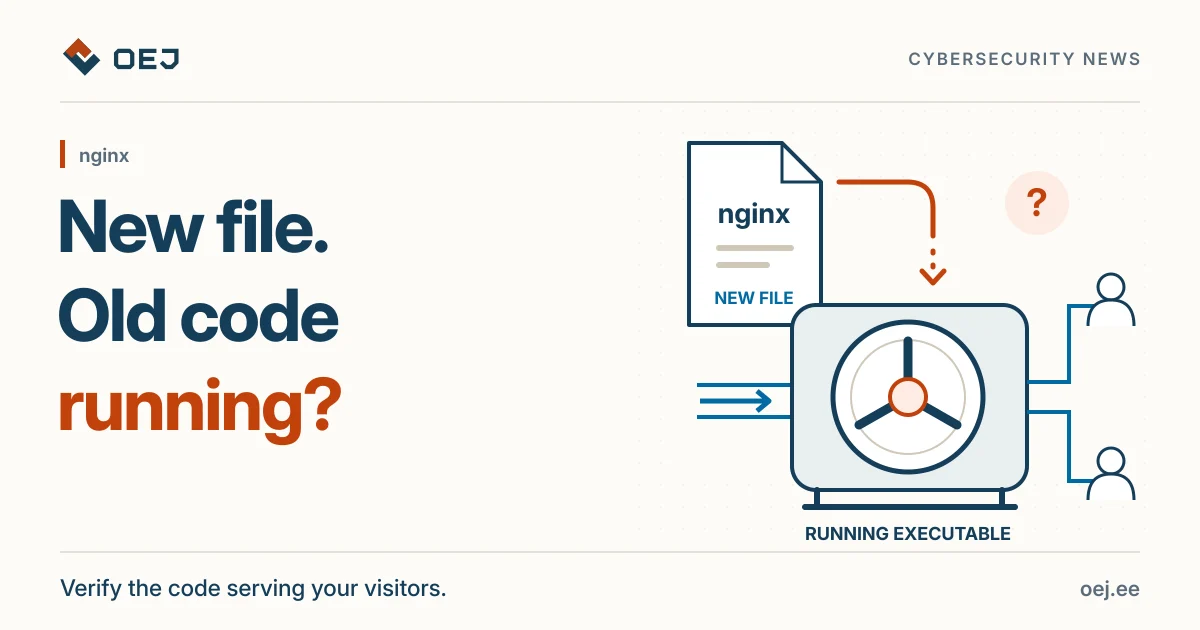
Ask your host to verify the 18 November fixes in the processes serving your website. Installing a package or reloading configuration is not enough on its own.
What happened?
A hosting provider’s message saying “the update is installed” may leave an important question unanswered: is the fixed software actually serving your visitors?
On 18 November 2026, nginx released security fixes. nginx can serve a website directly or route requests to another application. You may depend on it even if your own dashboard only mentions WordPress or another website platform.
Two HTTP/2 flaws, CVE-2026-123007 and CVE-2026-123633, can allow code execution without a login in affected configurations. An attacker could disrupt service, access data or change content. Code execution in an nginx worker is serious, but does not automatically mean root access to the whole server.
Does this affect your website?
Both HTTP/2 flaws require HTTP/2 to be enabled, with further conditions that differ between them. Reverse-proxy operation is relevant to one; serving ordinary files directly can expose the other. Separate fixes cover HTTP/3, DNS resolution and mail-proxy processing. Those have different prerequisites, so turning off HTTP/2 is not a remedy for the entire set.
Another proxy in front of nginx is not a universal guarantee of protection. Your administrator needs to assess the actual request path. Demonstrated exploitation in a laboratory is also not evidence that your server was attacked. The sources reviewed for this article do not establish whether these flaws are being exploited in the wild.
Four things to ask your provider to do
- Identify the responsible service. Find out whether nginx handles your site, including within infrastructure managed by the host. If support cannot answer, ask them to route the question to the server administrator rather than close it as a website-plugin issue.
- Identify the applicable fix. A public version banner can be missing or misleading. Fixed open-source releases are 1.30.7 stable and 1.31.9 mainline. A Linux distribution may backport fixes into a package with an older version number. Request its advisory rather than judging the version string alone. NGINX Plus requires product-specific guidance.
- Activate the fixed executable. A normal configuration reload does not do this. The administrator must restart the service or correctly complete nginx’s documented live binary upgrade, then verify that old processes no longer serve requests. Let them plan the appropriate activation for your service.
- Confirm completion, not just scheduling. Ask for a written result and checks of your site’s essential functions. Unexpected failures or suspicious activity need investigation; installing a fix is not an incident review.
Copy this question to your host
Does the nginx serving my website include the 18 November security fixes? Which release or distribution advisory confirms this? Have you verified the running processes, rather than only the installed package, and when was activation completed?
Sources and fixes
Original sources and instructions you can check yourself.
- Original sourcenginx · security advisories and fixed versionsnginx.org · Checked 22 November 2026
- Fix or instructionsnginx · 18 November release changesnginx.org · Checked 22 November 2026
- Original sourceWiz · original HTTP/2 vulnerability research and prerequisiteswww.wiz.io · Checked 22 November 2026
- Fix or instructionsnginx · configuration reloads and live executable upgradesnginx.org · Checked 22 November 2026